
Preparation before installation
Before downloading the installation package, please check your browser and system permissions.
- Allow browser to download files
- Reserve enough phone storage space
- Allow installation of apps from this source
Android official version
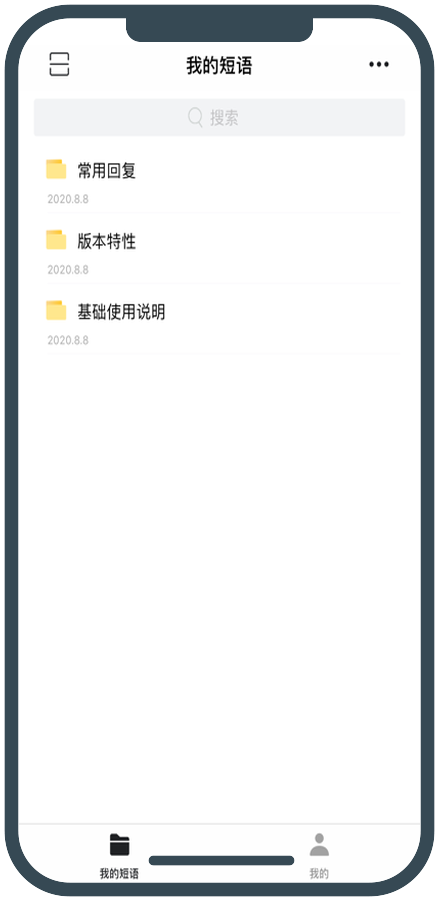
Check customer service techniques and quickly respond to customers on Android phones and tablets at any time, making mobile office as efficient and unified as the computer.
Before downloading the installation package, please check your browser and system permissions.
Log in to the same account as on the computer, and you can continue to use the synchronized customer service skills on your mobile phone.
Installation steps
After downloading the APK file, follow the system prompts to authorize and install.
Click "Download for Android" to allow the browser to save the APK file.
Open the downloaded file; if the system blocks it, please allow the current browser to install the application on the prompt page.
After the installation is complete, open EYY and log in to your account to synchronize and use common customer service techniques.
FAQ
Please check whether the browser has permission to download the file, and confirm that there is sufficient storage space on your phone before downloading again.
Follow the system prompts to enter the settings and turn on "Allow installation of unknown applications" for the current browser. After the installation is complete, you can turn off this permission again.
The installation package may not be downloaded completely. Please delete the original file and re-download it through the official entrance of this page.
If you use a version that supports cloud synchronization and log in to the same account, you can use synchronized Huarong content across different devices.