
System requirements
Before installation, make sure the computer meets the following conditions.
- Windows 7, 8, 10 or 11
- Available network connection (cloud sync version)
- Local file installation permissions
Windows official version
A quick reply tool suitable for customer service work computers, supporting conversation management, image and text sending, batch operations and team cloud synchronization. Basic functions are permanently free.
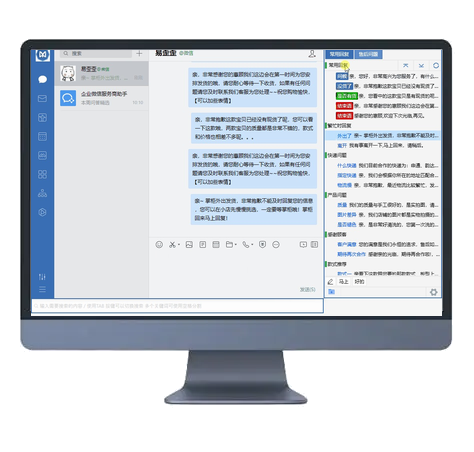
Before installation, make sure the computer meets the following conditions.
Most users directly download the latest version of Pro; choose the NET4 compatible version for old systems or when it fails to run; and choose the free stand-alone version if cloud synchronization is not required.
Installation steps
After the download is complete, just follow the installation program prompts.
Click "Download the latest version of Pro" on this page to save the installation package to your computer.
Double-click the installation package, select the installation location according to the prompts and complete the installation; if a system prompt appears, please confirm that the file comes from the official entrance of this page.
Open EYY, log in or use the stand-alone version directly, create categories and import common customer service phrases.
FAQ
Please confirm that the system is Windows 7, 8, 10 or 11 before trying the NET4 compatible version. Windows XP is not supported yet.
Please confirm that the installation package is downloaded from the official link on this page. If the source is correct, you can view the details in the Windows security prompt and continue with the installation.
Pro is suitable for new systems and supports cloud synchronization; NET4 is for some old system environments; the stand-alone version is permanently free, but does not include team cloud synchronization.
After installation, use the import function to migrate the original content; if you need format instructions, you can open the help tutorial to view the steps.