
Preparation before installation
The App Store automatically handles installation and subsequent version updates.
- Prepare a usable Apple ID
- Keep your network connection stable
- Make sure the device has enough storage space
App Store official version
Applicable to iPhone and iPad, it can be downloaded and installed securely through the official App Store page. You can check common customer service techniques at any time and quickly reply to customers.
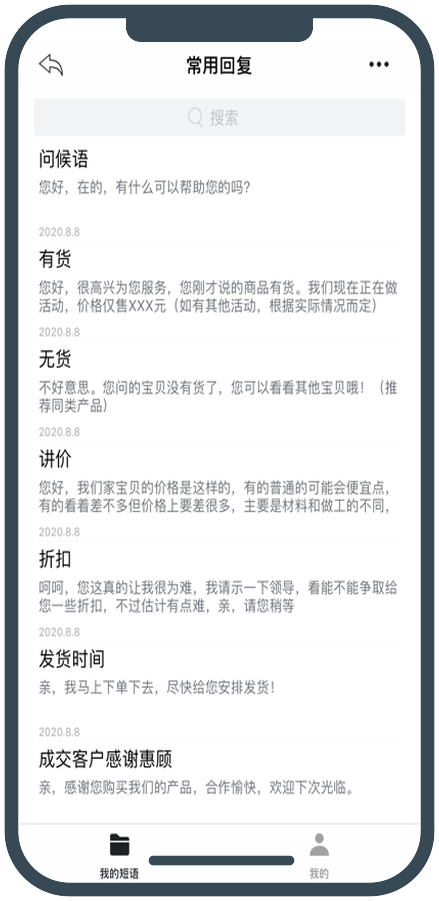
The App Store automatically handles installation and subsequent version updates.
EYY iOS version is available for iPhone and iPad and can be installed through the official App Store page.
Installation steps
Download and install from the official Apple App Store page.
Click "Go to App Store" on this page to open the app details page on your iPhone or iPad.
Click Get and complete the confirmation using Face ID, Touch ID, or Apple ID, depending on your device settings.
After the installation is complete, open EYY and log in to your account to use and synchronize common customer service techniques.
FAQ
Please use Safari to open this page, or directly search for "EYY" in the App Store.
Please check the network, Apple ID login status, remaining space on the device, and confirm that the system allows app installation.
Yes. Please open the EYY details page in the App Store of the corresponding device, and follow the system prompts to download and install.
You can restore synchronized content after logging in to the same account that supports cloud synchronization; for unsynchronized data, please complete a backup or export on the old device first.